Viewing Wavelet Transform Results
Start bhpview, and load two cross-sections from /hou/data/D_152_001/ahglim/cascade/int_datasets: hilb_seismic and hilb_wavelet_cwt. For hilb_seismic, select CDP 21116, and for hilb_wavelet_cwt select EP 7100, CDP 21116. Arrange the initial displays.
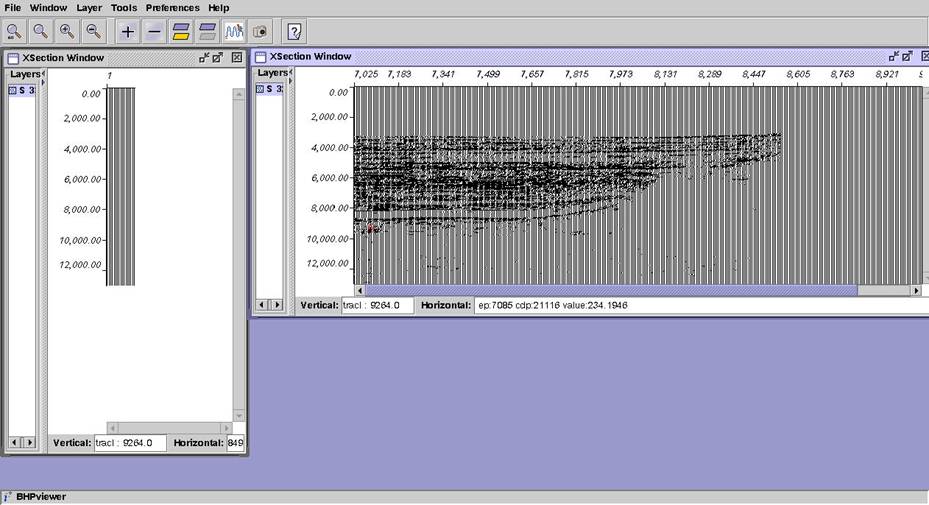
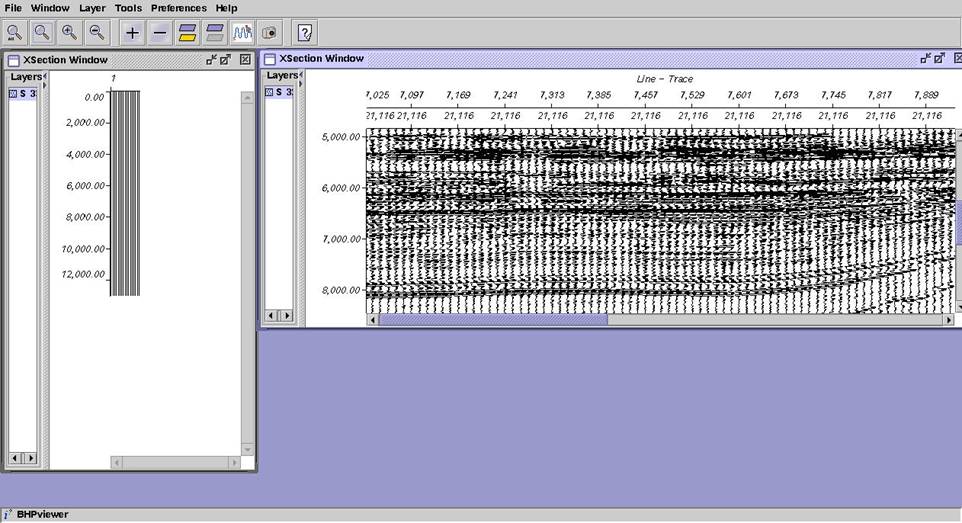
Go to Window, Synchronization for each window and turn off everything. In the seismic window, zoom from 5-9 seconds, and from 7025-7900. Then got to Display Properties and set Decimation Spacing to 10. Then annotate the seismic window so that it looks something like below.
Fix up the transform window. Change the display to Interpolated Density with the rainbow colormap, add annotation, and zoom to fill the window. Under Normalization in Display Parameters, set Scale to 1.
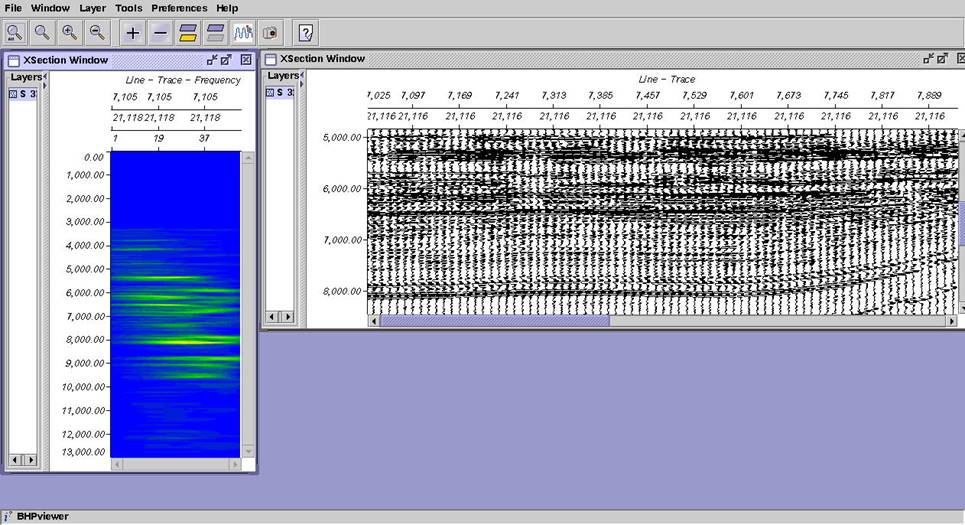
Now set synchronization in the transform Dataset menu by checking ep and cdp. Now if you double-click with MB3 on the seismic, you will see the transform at the corresponding ep. If you load a different cdp, you will see the transform at the same ep, but a different cdp. Save your session.