Using bhpview Save Sets
Continuing from the model data display, close the model data window (X).
Select File and then Open Session… You will see a list of previously-saved bhpview sessions.
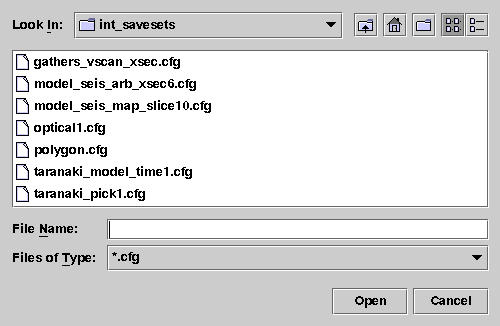
Select model_seis_arb_xsec6.cfg, then Open.
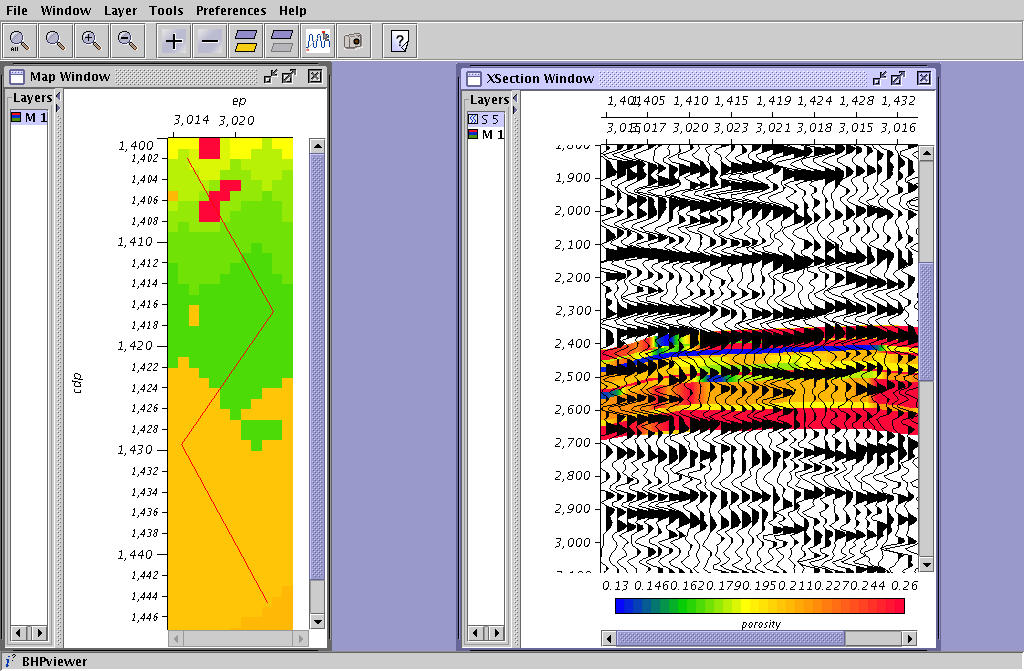
What you see is a bhpview session with two windows and three layers. You can fine-tune all the parameters for a set of windows and layers, and then save all the settings for future use. These saved settings are called savesets, and they are saved in your ‘project’/int_savesets directory, as .cfg files. Modify and save the session for future use. Suppose you want only the seismic data with model in the background. First of all, create your own saveset. Select File, Save Session…
Enter seismic_with_model.cfg in the text box. Then click the int_savesets button above the list of files, and you can see where you are. Select D_152_001 to back up, then SU_Class, then your username, then int_savesets. Click Save. Now close your bhpview windows and open your personal saveset. You should see the same display. Close the left-hand window, enlarge the remaining window, and zoom the image to fit the window.
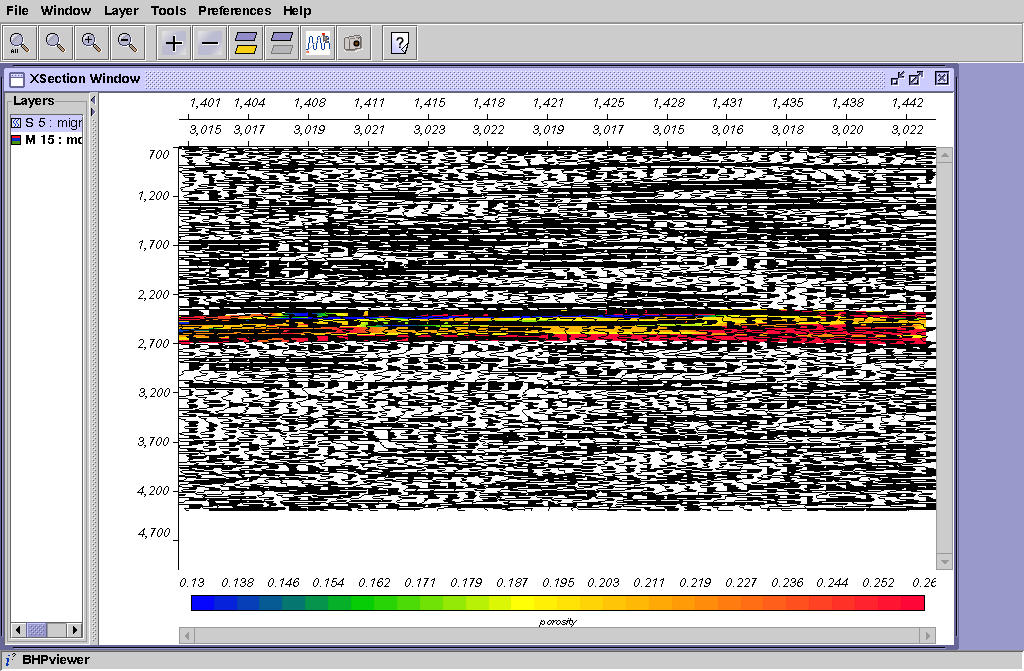
Now see how rubber-band zooming works. Click the second-from-left magnifying glass. Use MB1 to drag from around ep=1411 at about 2200 meters to ep=1430 at 2700 meters.
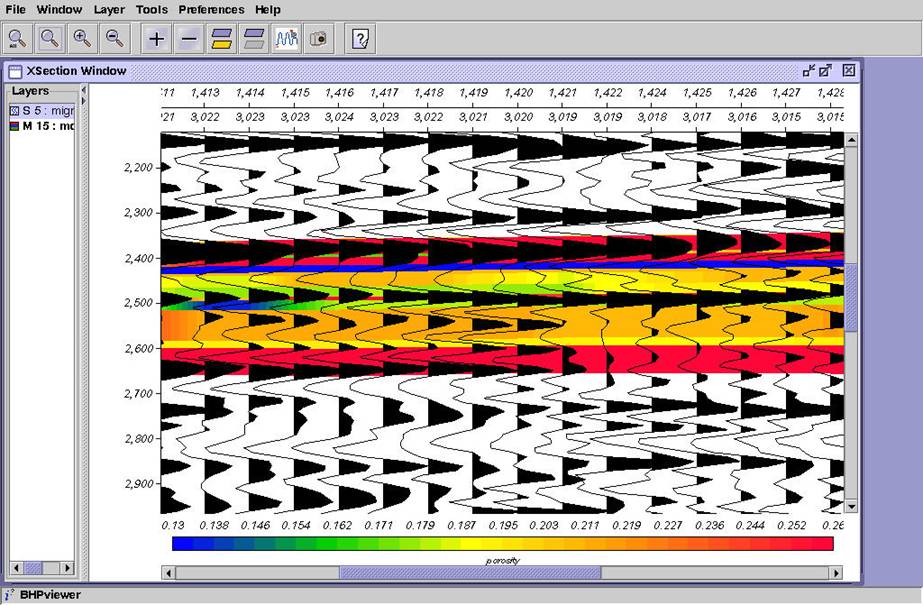
Now save your session and close bhpview.