Exercise 7
View Cross-Section Data
Load the tiger inversion data that was created in the example Import SEGY Data.
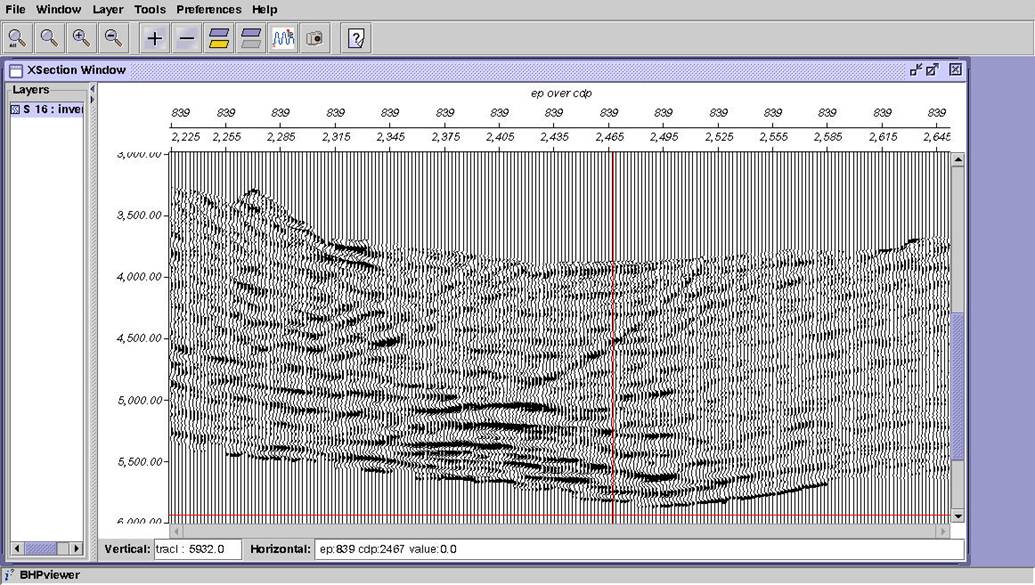
Point bhpview to /hou/data/D_152_001/SU_Class/ahmilb/int_datasets/inversion.dat to see the data. Load line 839 as seismic cross-section. Boost the amplitudes (scale=0.25). Zoom to 3-6 seconds. Annotate ep and cdp and add a top label. Create a saveset in /hou/data/D_152_001/SU_Class/’username’/int_savesets and call it tiger_inversion.cfg
Your display should be similar to the one below.