Adding Horizons to a Seismic Cross-Section
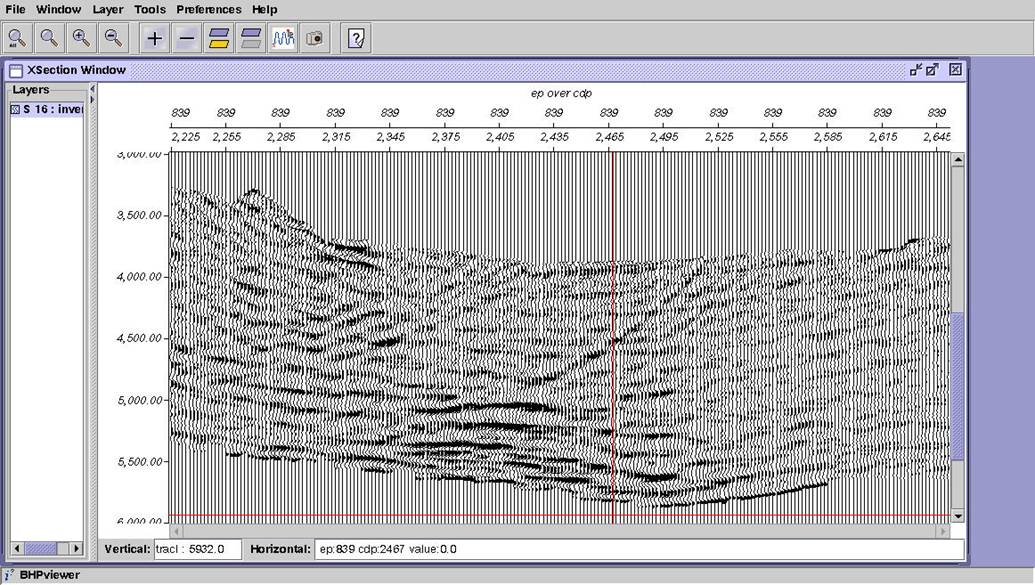
Start with the results from Exercise 7, and add the picks data created in the Load Picks example. Point bhpview to /hou/data/D_152_001/SU_Class/class_project/int_datasts/tiger_picks.dat. To add the picks to the existing display, select Layer, Add Layer, BHP-SU. You will then see the Select bhpsu Data window. Select tiger_picks, then OK.
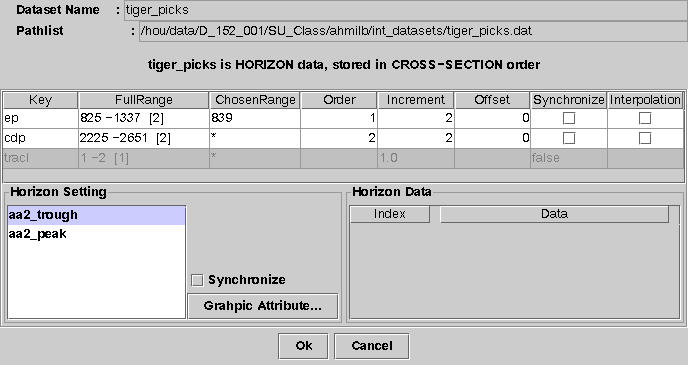
Notice that bhpview detects that tiger_picks is HORIZON data, stored in CROSS-SECTION order. Also note that the data range boxes are already filled in to match the tiger_inv layer. In the bottom-left section the horizon names are listed. After data is loaded, the bottom-right section will show actual horizon values from 1 to n. Click Graphic Attribute… You can define line style, width, and color. Make the aa2_trough horizon yellow or gold and increase its width to 4.
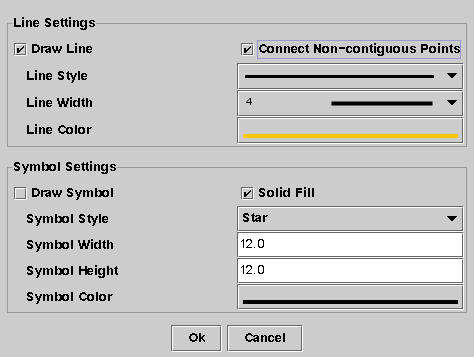
Click OK to return to the data range menu, then OK again.
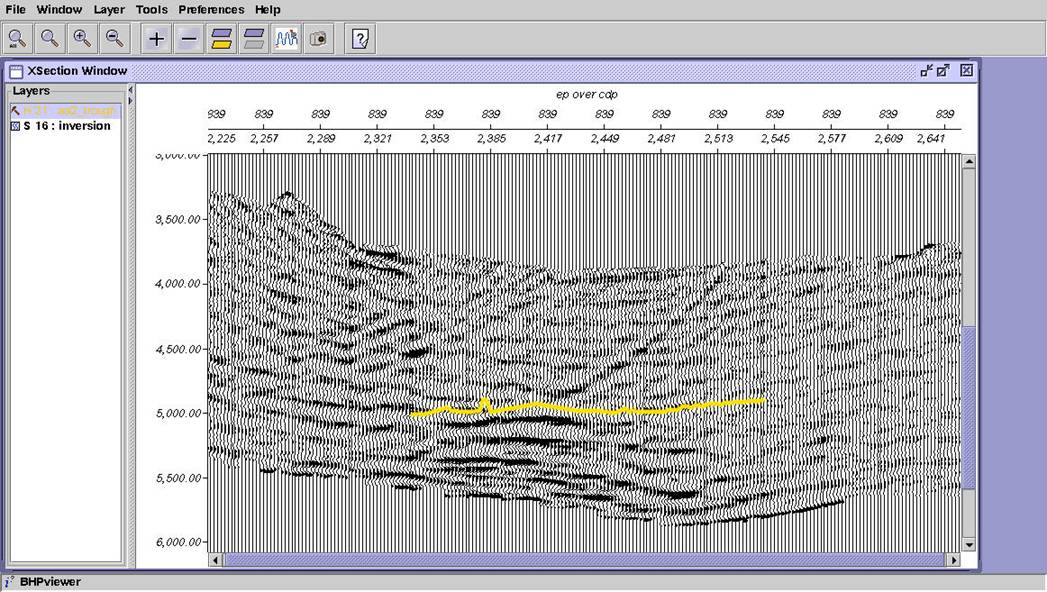
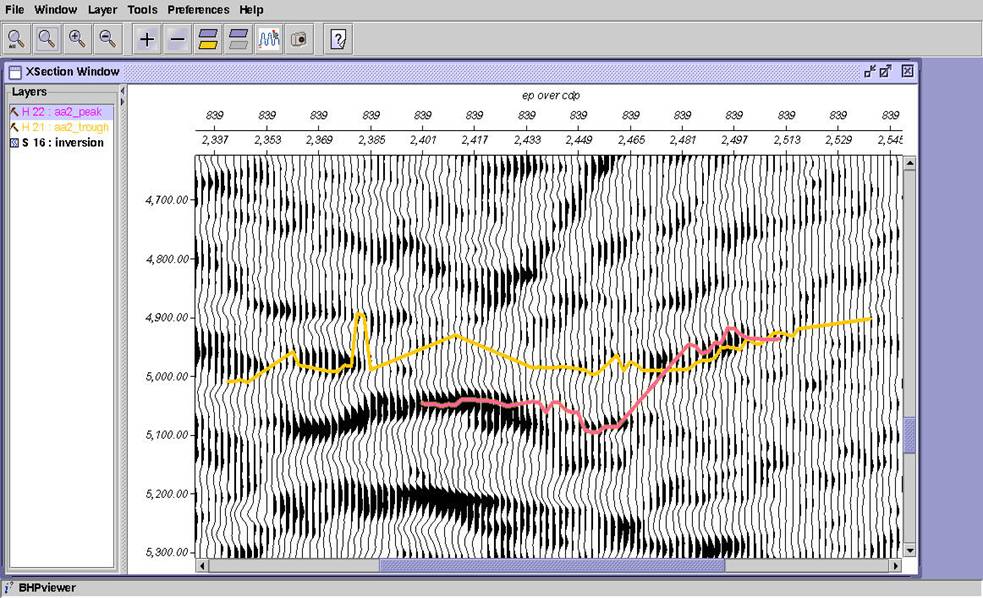
Repeat the process for aa2_peak, using pink or red. After both horizons are loaded zoom in to see how the picker did.